JOOMLA 6 EXTENSION SUITE • GPLv2 OR LATER
Service Booking Suite (Free Edition)
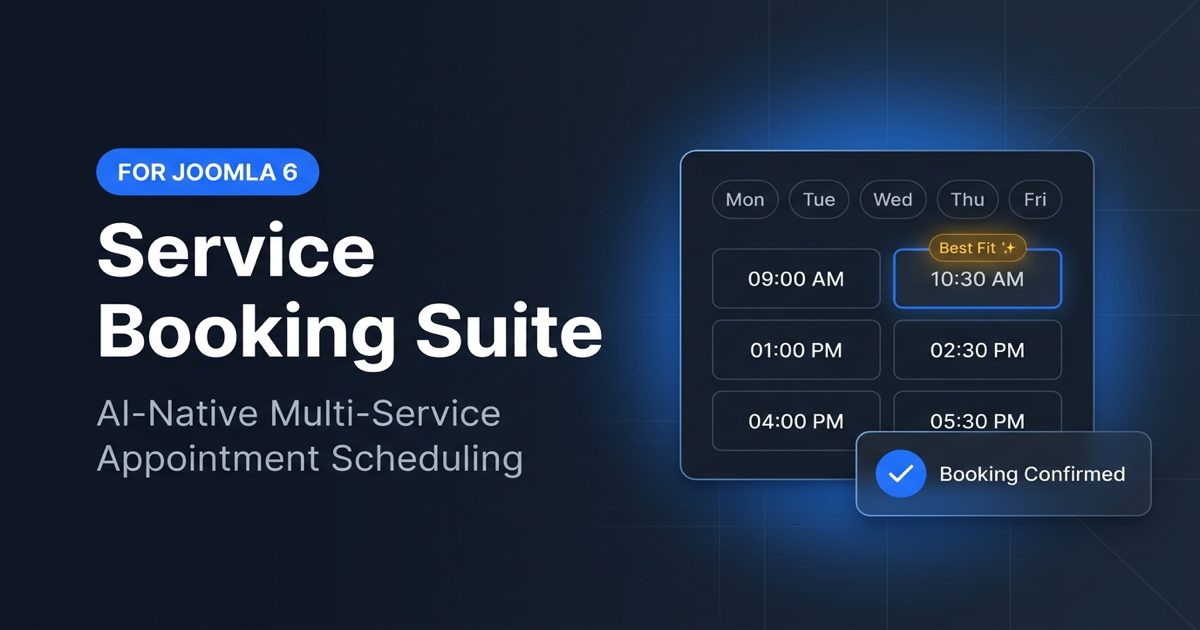
A modern, native Joomla! 6.x (PHP 8.3+) appointment booking and multi-service scheduling suite built by RocksCoder. Designed for salons, clinics, consultants, spas, wellness centers, and service professionals with zero template CSS conflicts.
Download Free Package (v1.0.0)
Includes 4 native Joomla 6 extensions in one unified installer (pkg_servicebooking): Core Component, Site Booking Module, Content Shortcode Plugin, and Task Scheduler Plugin.
Download pkg_servicebooking_free_v1.0.0.zip (249 KB)
Requirements: Joomla! 6.x • PHP 8.3+ • MySQL 8.0.13+ / MariaDB 10.4+ • License: GNU GPL v2 or later
SHA-256: dba934876331010a7b7657ca67140e28bf346d0401ca004c47707bd371013ccd
Theme-Proof Shadow DOM
Encapsulated <joomla-booking-widget> prevents CSS and JS clashes with Cassiopeia, YOOtheme Pro, Helix Ultimate, T4, or custom templates.
Smart Slot Gap Optimizer
Automatically highlights ★ Best Fit slots adjacent to shift bounds and existing bookings to eliminate unbookable calendar gaps.
Atomic 10-Min Slot Locks
Per-specialist transactional locking prevents double-booking race conditions during checkout.
Shifts, Breaks & Portals
Independent Mon–Sun staff schedules, daily breaks, holiday overrides, customer magic-link self-service portal, and 2-way iCal sync.
Quick-Start Documentation
- Install the Package: In Joomla Administrator, open System → Install → Extensions and upload
pkg_servicebooking_free_v1.0.0.zip. - Enable Plugins (Optional): Go to System → Manage → Plugins and enable
Content - Service Booking(for{servicebooking}shortcodes) andTask - Service Booking(for automated lock cleanup and 24-hour reminders). - Create Services & Staff: Open Components → Service Booking to add categories, services (with durations & prep buffers), specialists, and weekly working shifts.
- Publish Front-End Pages: Create menu items for Book Appointment, Services, My Booking (Customer Portal), and Staff Portal, or publish the
Service Booking Widgetsite module in any template position. - Automatic Updates: Joomla automatically checks
https://rockscoder.com/updates/servicebooking-free.xmlfor new Free releases. Upgrading to Pro later preserves 100% of your booking data in place.
Support & Feedback
Need help installing or configuring Service Booking Suite? Contact us at rockscoders@gmail.com or visit our Contact & Support page.